
Prizm
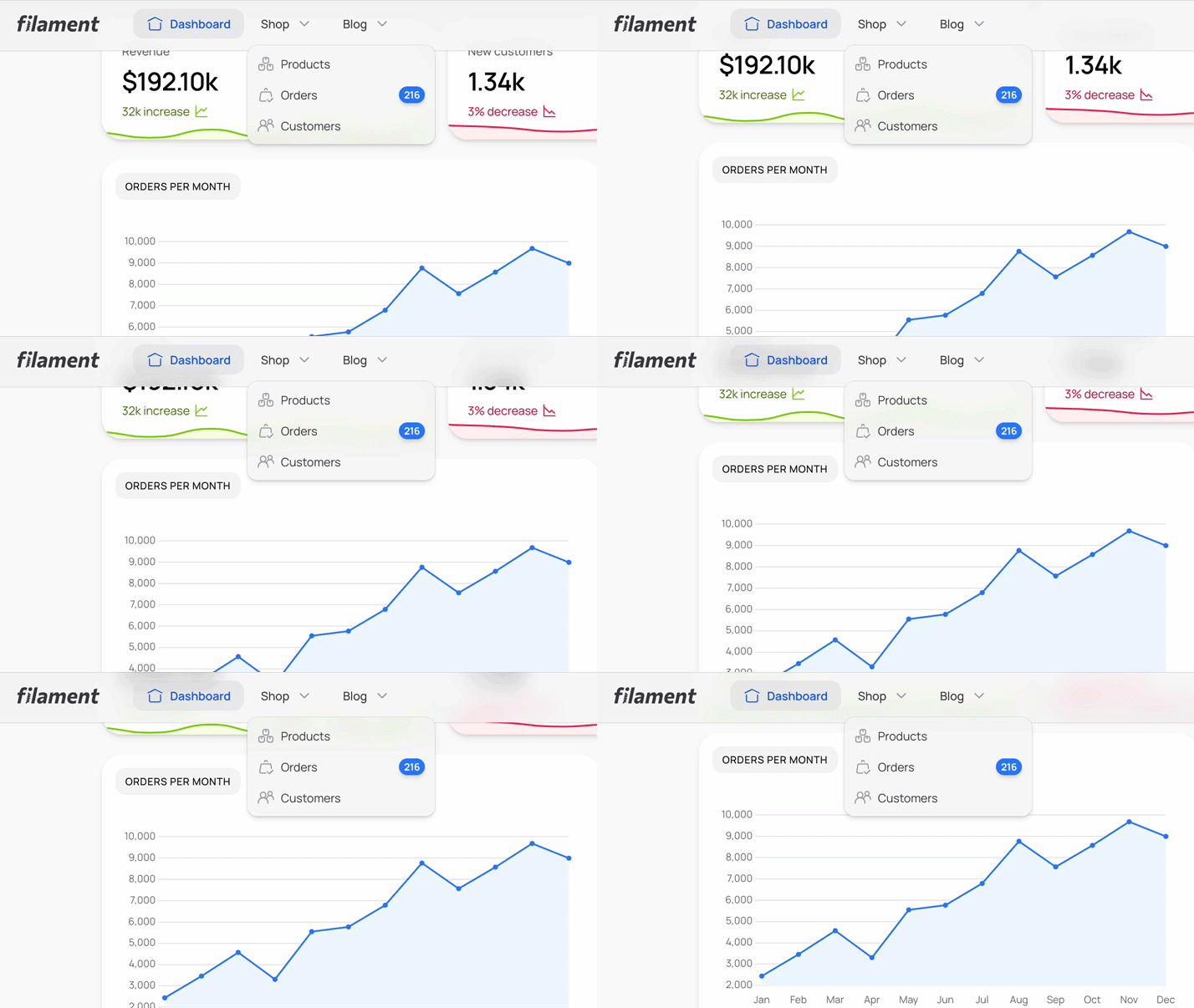
A glassmorphic, corporate theme for Filament PHP.
Standard
- Single site license
- 1 year of updates
- Lifetime access
Unlimited
- Unlimited sites
- Lifetime updates
- Lifetime access
Prizm is good for
- Client-facing dashboards
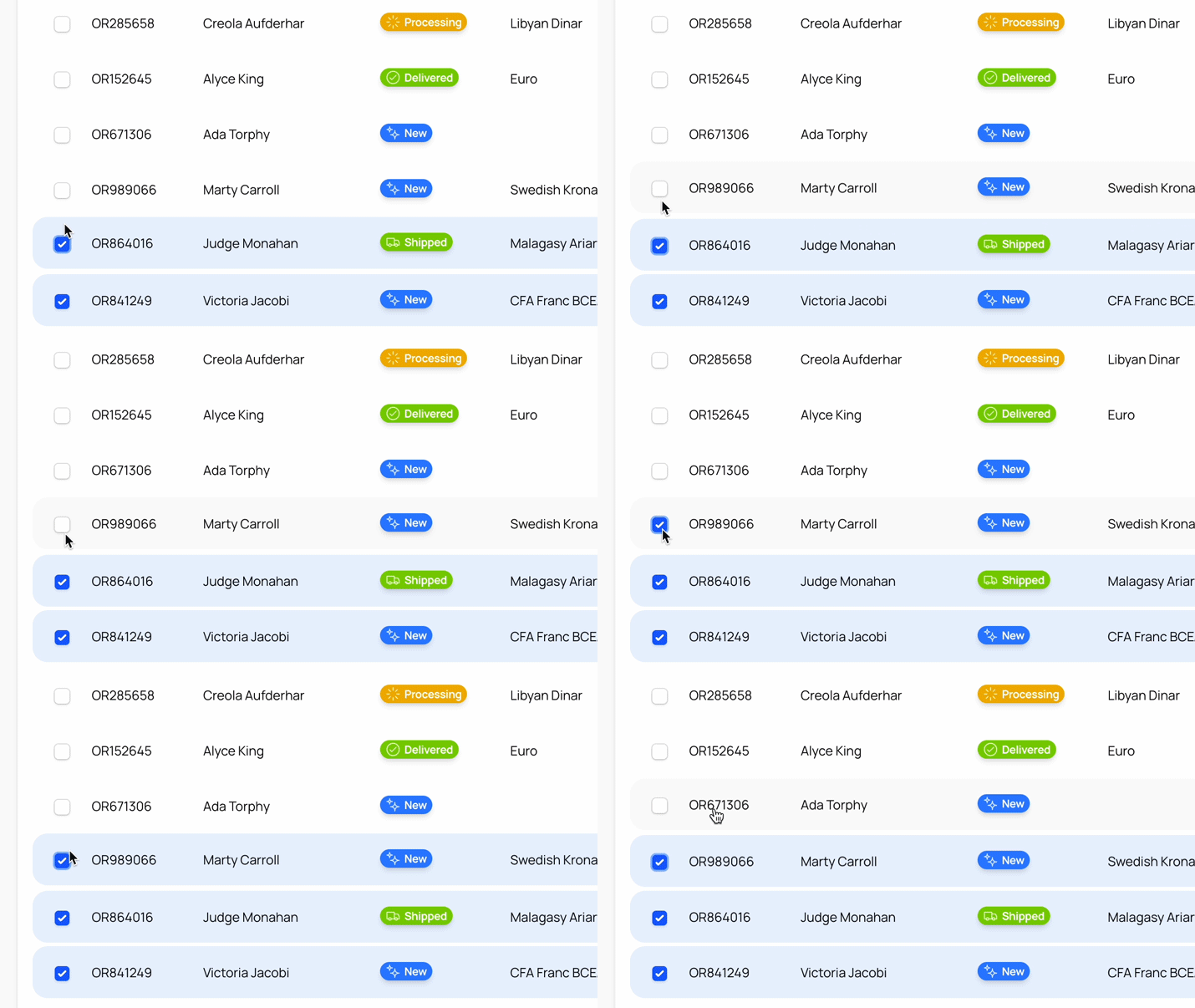
- Frosted-glass panels for apps where the admin is part of the product.
- Agency and corporate tools
- A polished, branded feel for internal tools that get shown off.
- Upgrading projects
- Works on Filament v3, v4 and v5, so it can stay through upgrades.
Prizm in a real panel
Screenshots of the released theme on Filament v5. Click to enlarge.
-
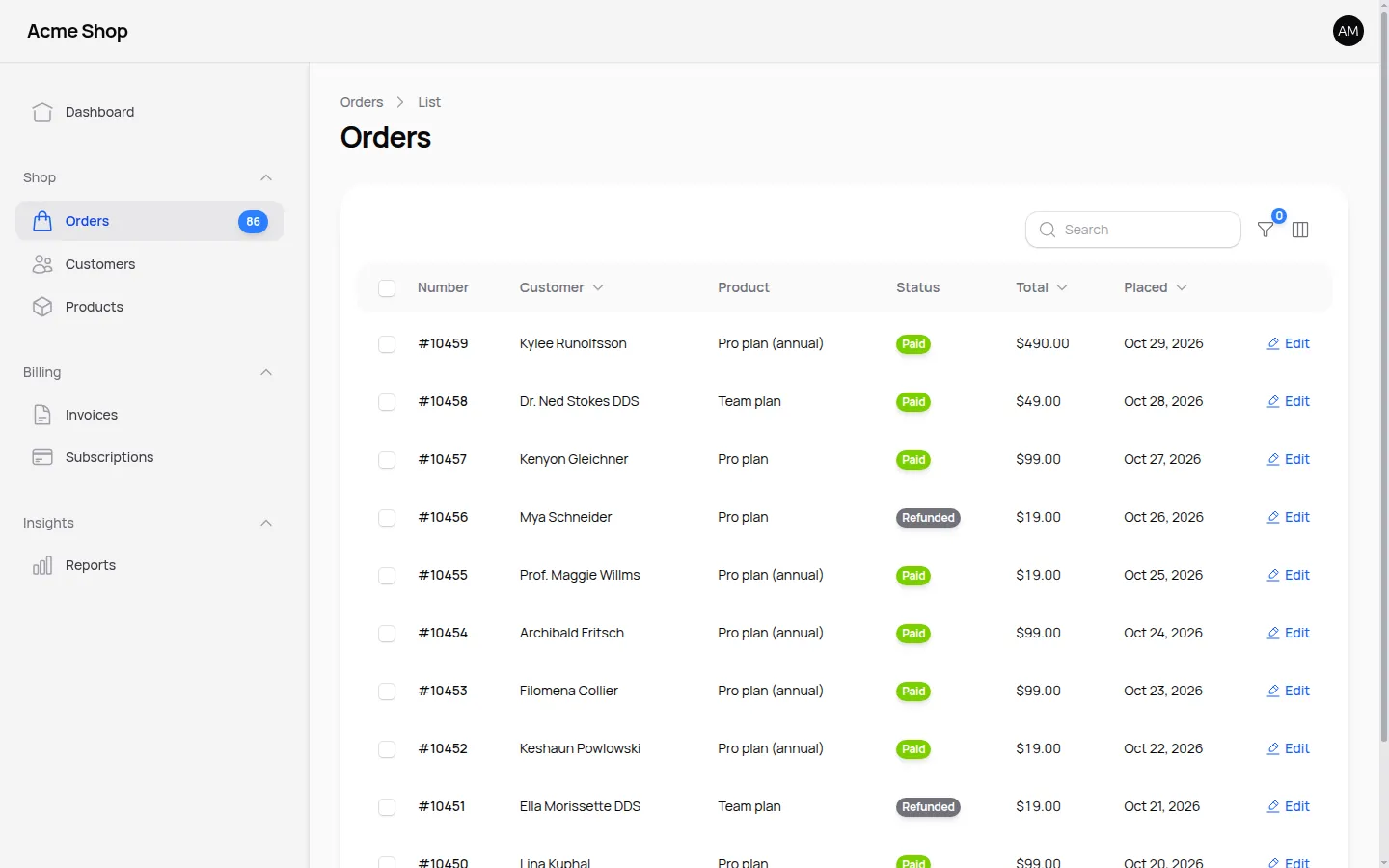
Table, light mode -
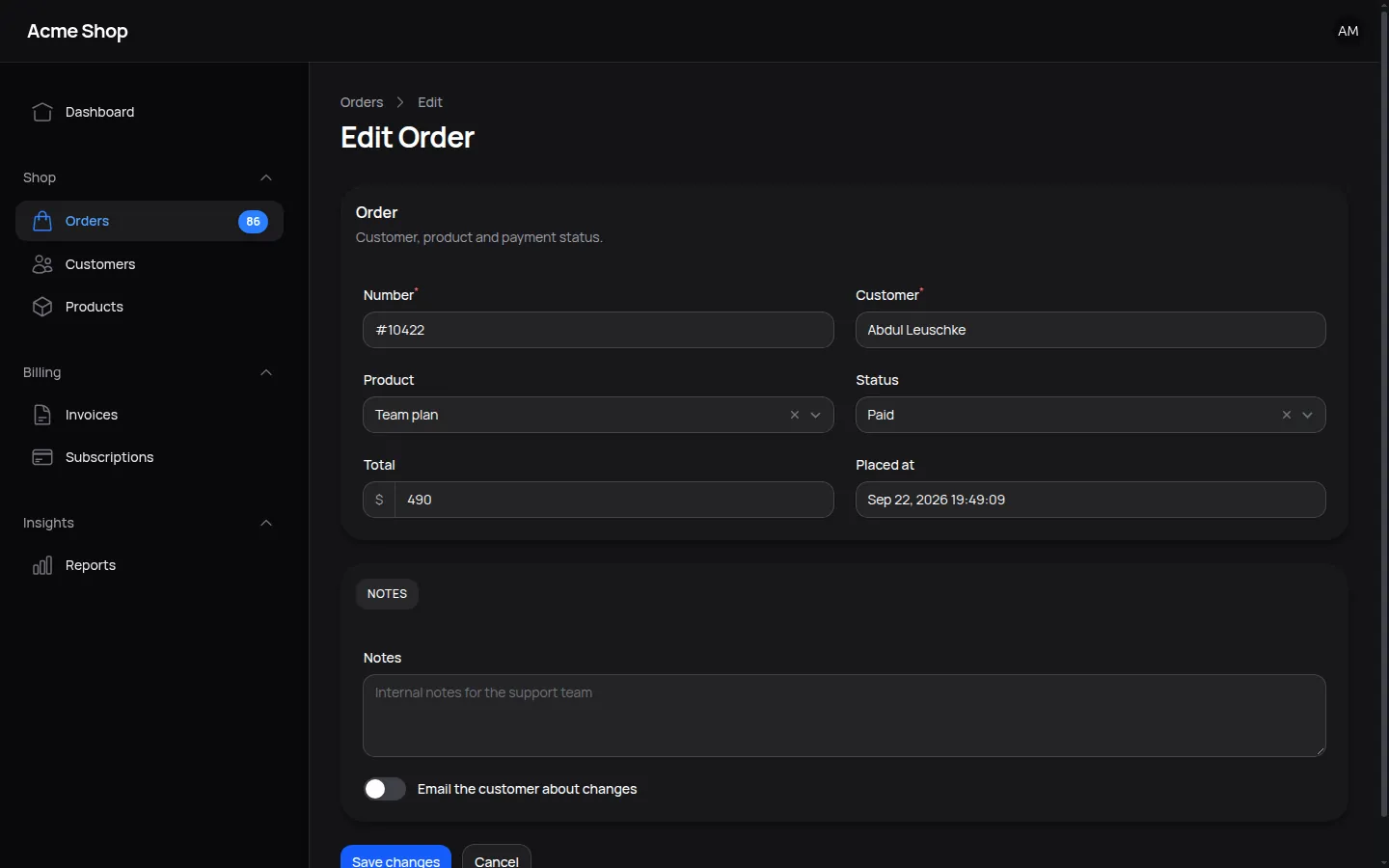
Form, dark mode -
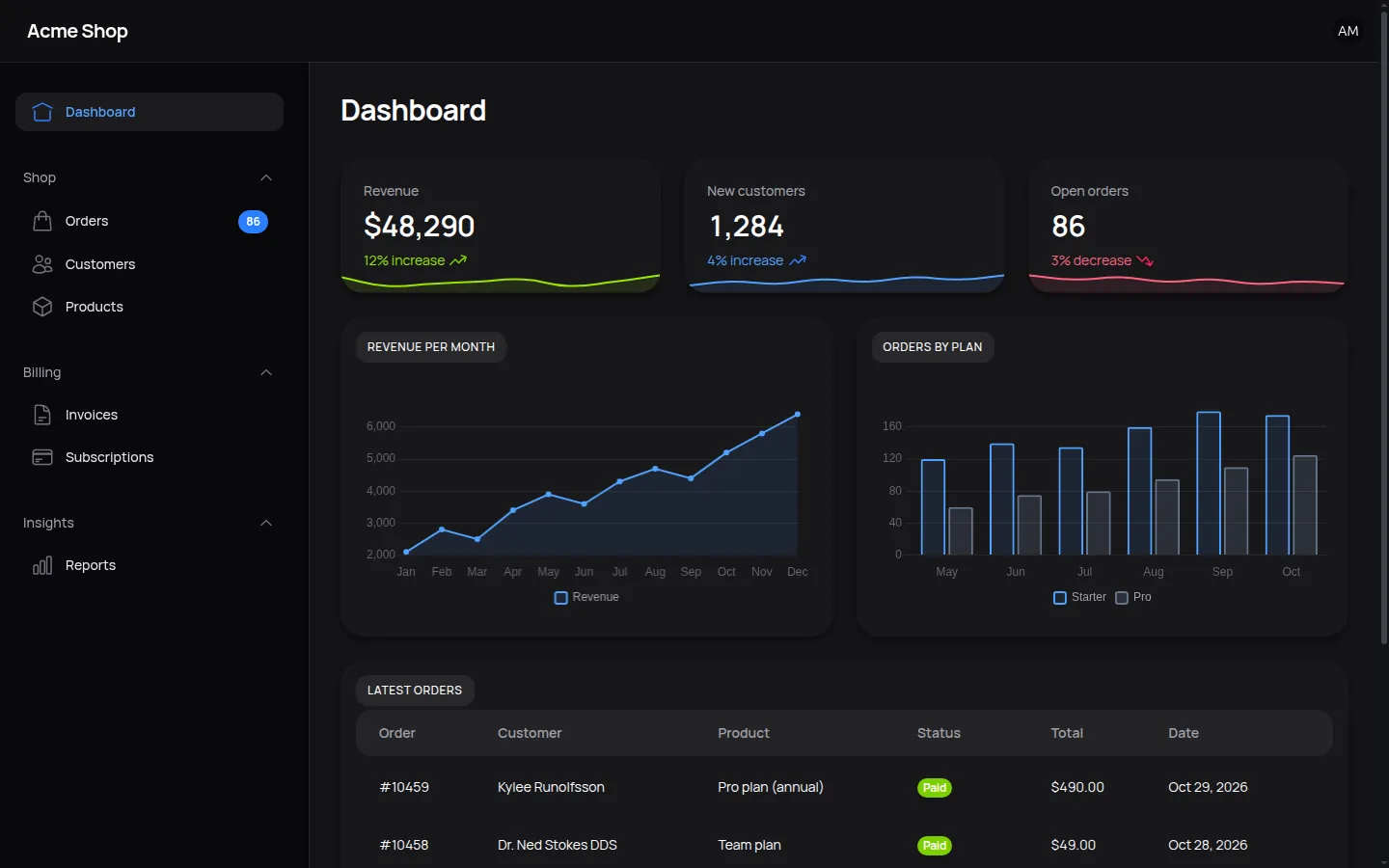
Dashboard, dark mode
Requirements
Filament v3
- PHP 8.1+
- Filament v3
- Tailwind v3
Filament v4 and v5
- PHP 8.2+
- Filament v4 or v5 (v5 uses Livewire v4)
- Tailwind v4
Purchase & Activation
You can buy Prizm here. Once you have completed the checkout, you'll receive your license key and you will be prompted to activate your theme by entering the domain you intend to use for your production environment. You will not be able to install the theme if you have not activated it!
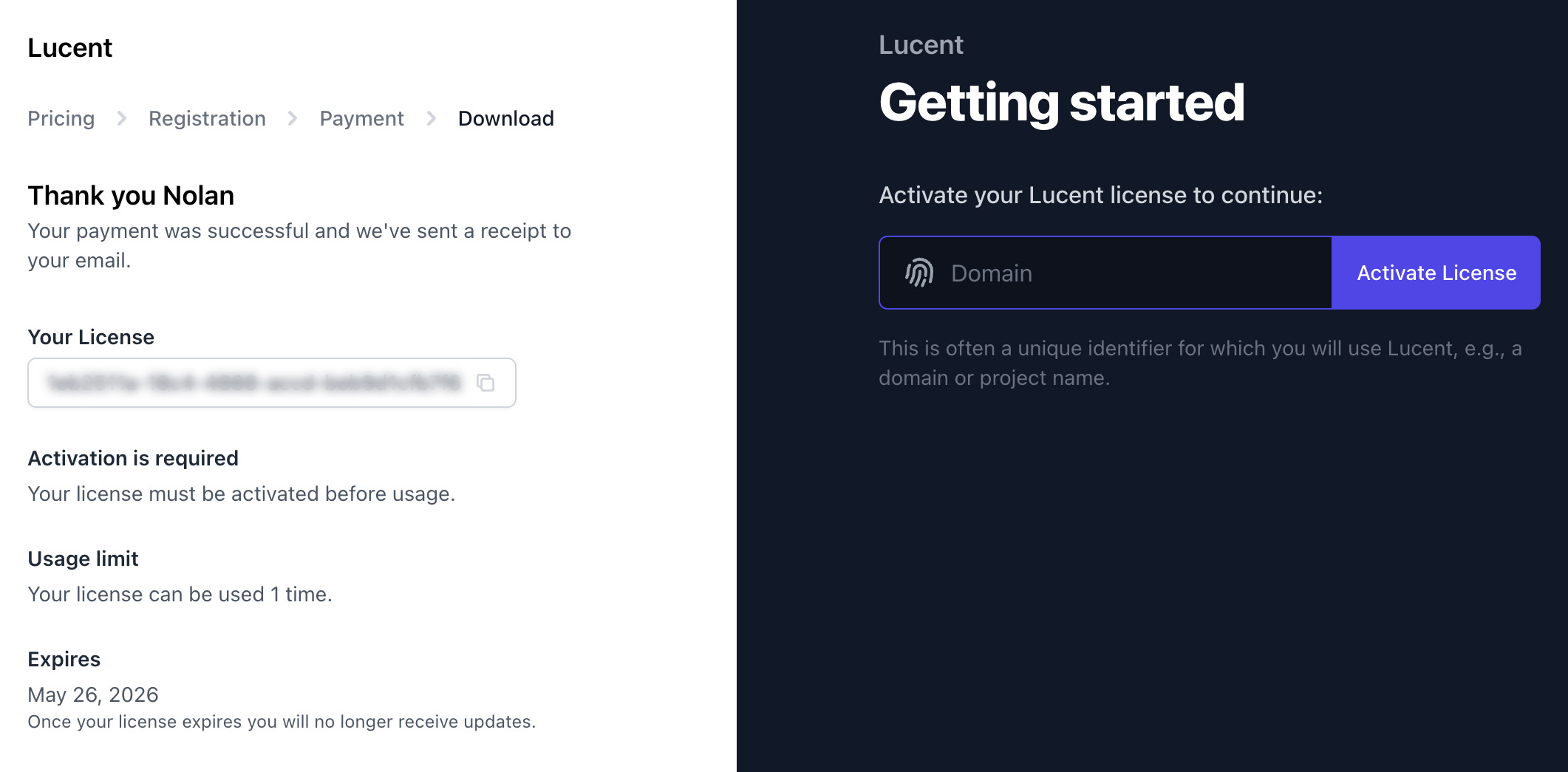
If you missed this step, you should be able to access it by finding the email with you license key and clicking the "Get started with Prizm" button.
Installation
1. Add the Repository
Once you have purchased Prizm, add the private repository to your composer.json:
composer config repositories.prizm composer https://prizm.composer.sh
2. Install the Package
Install the package via Composer:
composer require filafly/prizm:"^1.0" # Filament v3
composer require filafly/prizm # Filament v4 and v5
You will be prompted to provide your username and password.
Loading composer repositories with package information
Authentication required (prizm.composer.sh):
Username: [email]
Password: [key:domain]
The username will be your email address and the password will be equal to your license key. You will
also need to include the domain name of your project by appending it to the key with a colon (:). Take
the following instance for example:
- Contact email: you@example.com
- License key: xxxxxxxx-xxxx-xxxx-xxxx-xxxxxxxxxxxx
- Activation fingerprint: example.com
Loading composer repositories with package information
Authentication required (prizm.composer.sh):
Username: [you@example.com]
Password: [xxxxxxxx-xxxx-xxxx-xxxx-xxxxxxxxxxxx:example.com]
It is recommended to store the credentials when asked.
3. Create a custom theme
To ensure that Filament is aware of the styling changes, we must setup a new custom theme.
php artisan make:filament-theme
Once you've created your theme, you'll need to replace the existing import at the top of the file.
@import '/vendor/filafly/prizm/resources/css/index.css'; /* Filament v3 */
@import '../../../../vendor/filafly/prizm/resources/css/theme.css'; /* Filament v4 and v5 */
4. Add to Your Panel
Now you'll tell your Filament panel about the custom theme file and register a plugin for Prizm. If we assume your custom theme was created for an "admin" panel, you would make the following method calls in the panel provider:
use Filafly\Themes\Prizm\PrizmTheme;

public function panel(Panel $panel): Panel
{
    return $panel
        // ... other configuration
        ->viteTheme('resources/css/filament/admin/theme.css')
        ->plugin(PrizmTheme::make());
}
Customization
Disabling the Suggested Colors
Prizm comes with a carefully chosen set of default colors designed to enhance your Filament panel's visual harmony. However, if you'd like to maintain your existing color scheme or implement your own custom palette, you can prevent Prizm from applying its default colors by using the withoutSuggestedColors() method:
PrizmTheme::make()->withoutSuggestedColors()
Disabling the Suggested Font
By default, Prizm applies the Kumbh Sans font to your Filament panel for optimal visual consistency. If you prefer to use your own font or keep your existing font configuration, you can disable this behavior using the withoutSuggestedFont() method:
PrizmTheme::make()->withoutSuggestedFont()
Disabling the Suggested Icons
Prizm comes with a curated set of icons designed to provide a unified visual experience in your Filament panel. If you'd rather use your own icons or maintain your current icon configuration, you can prevent Prizm from applying its default icons by using the withoutSuggestedIcons() method:
PrizmTheme::make()->withoutSuggestedIcons()
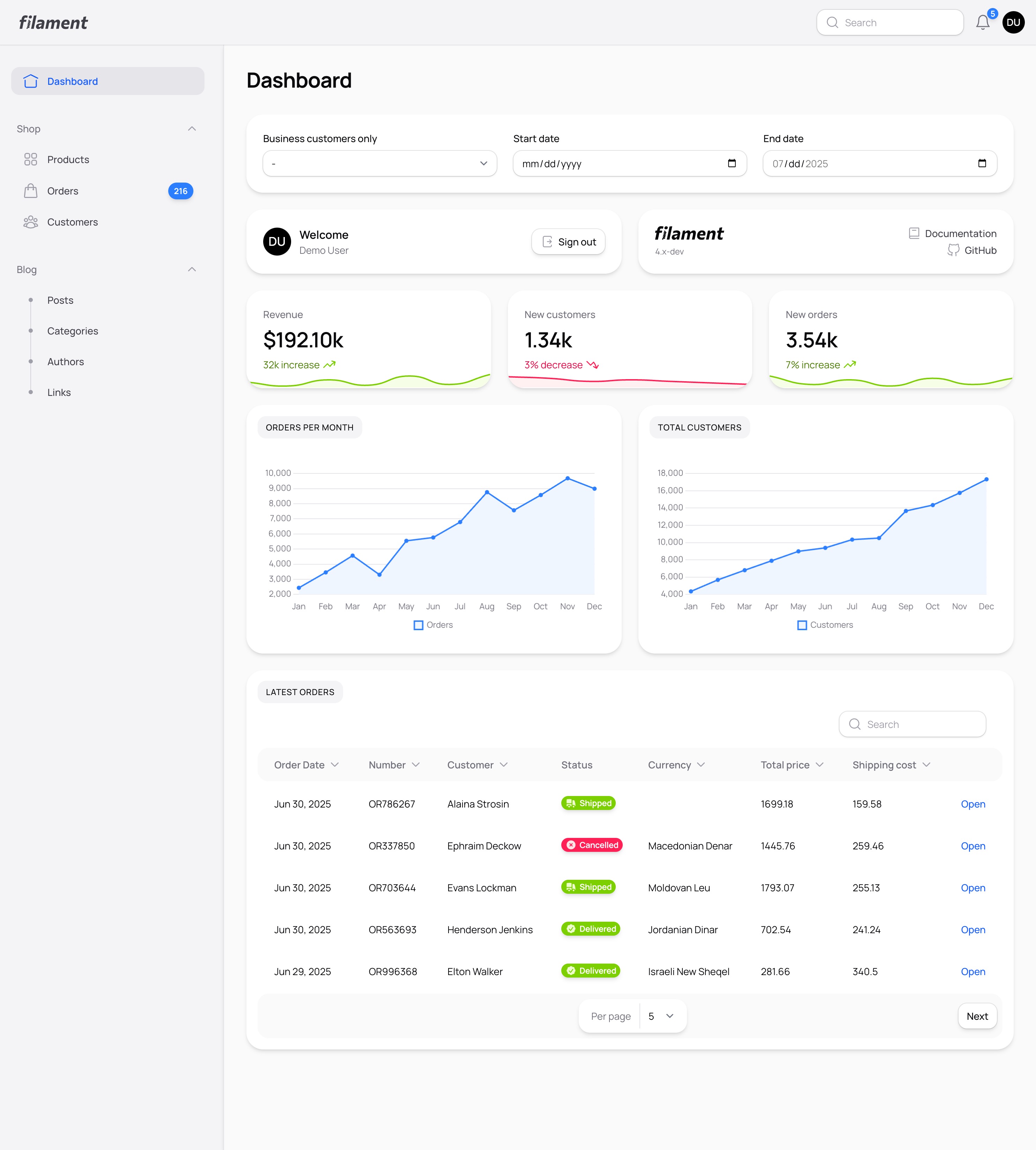
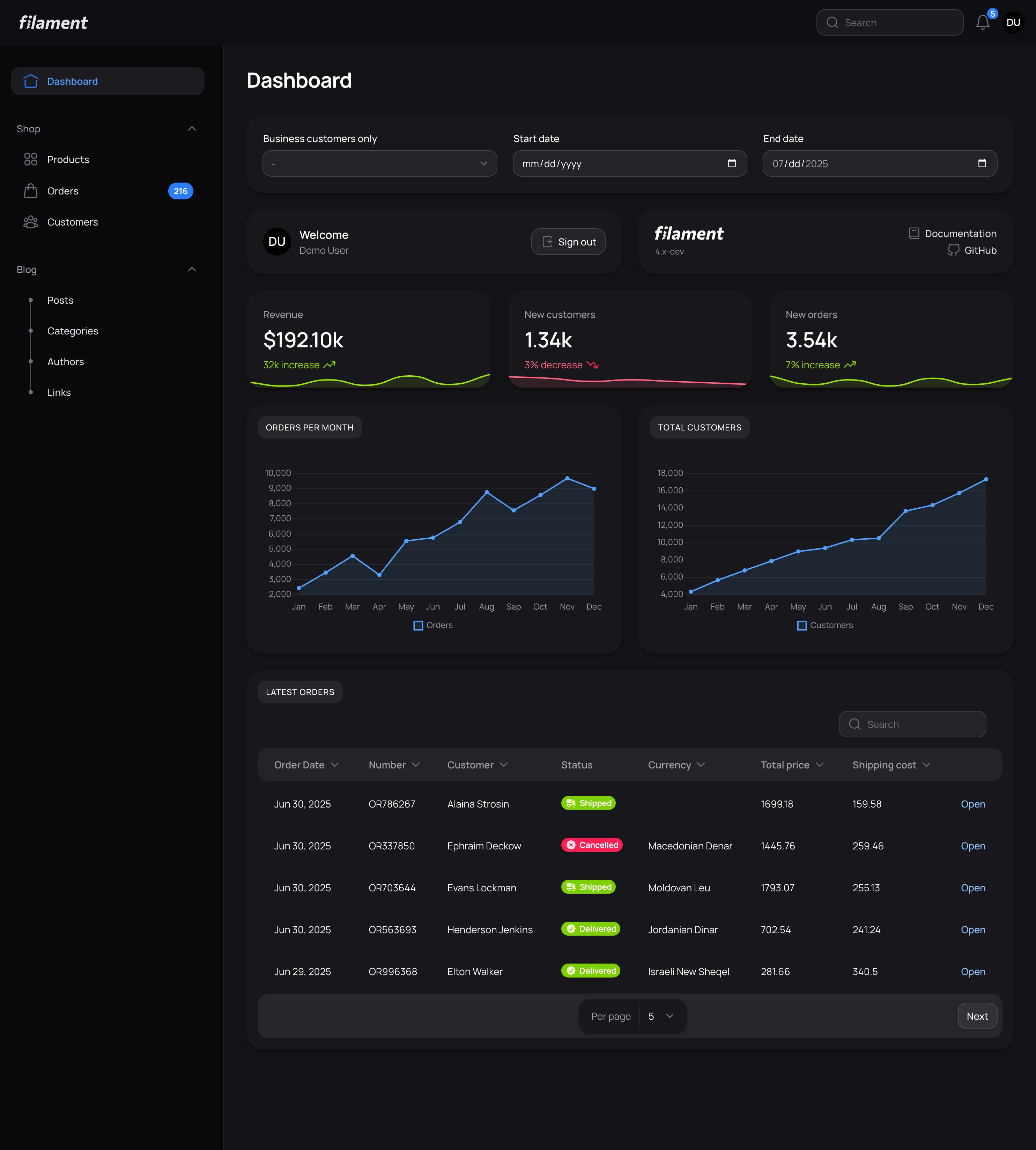
Screenshots
Dashboard
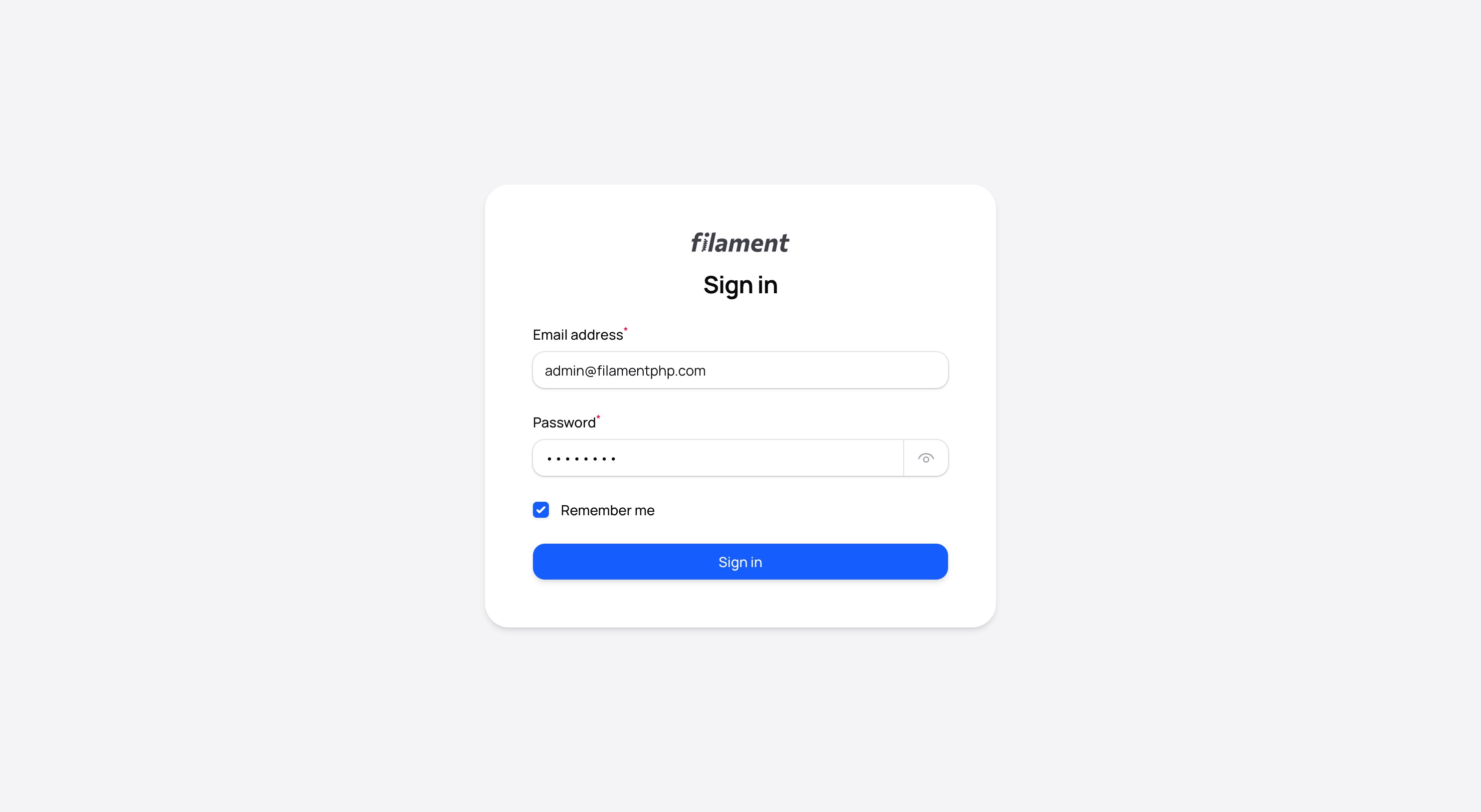
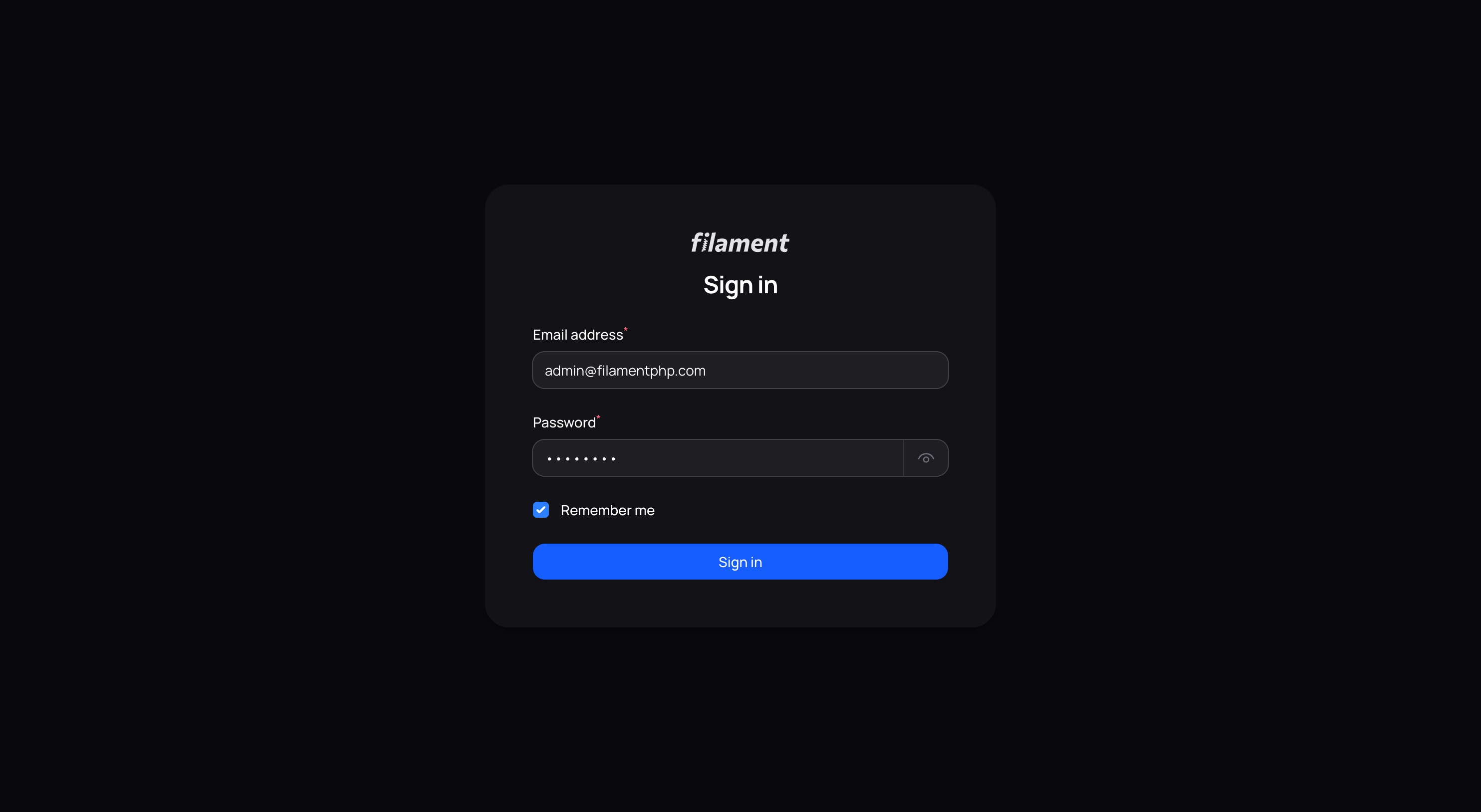
Authentication
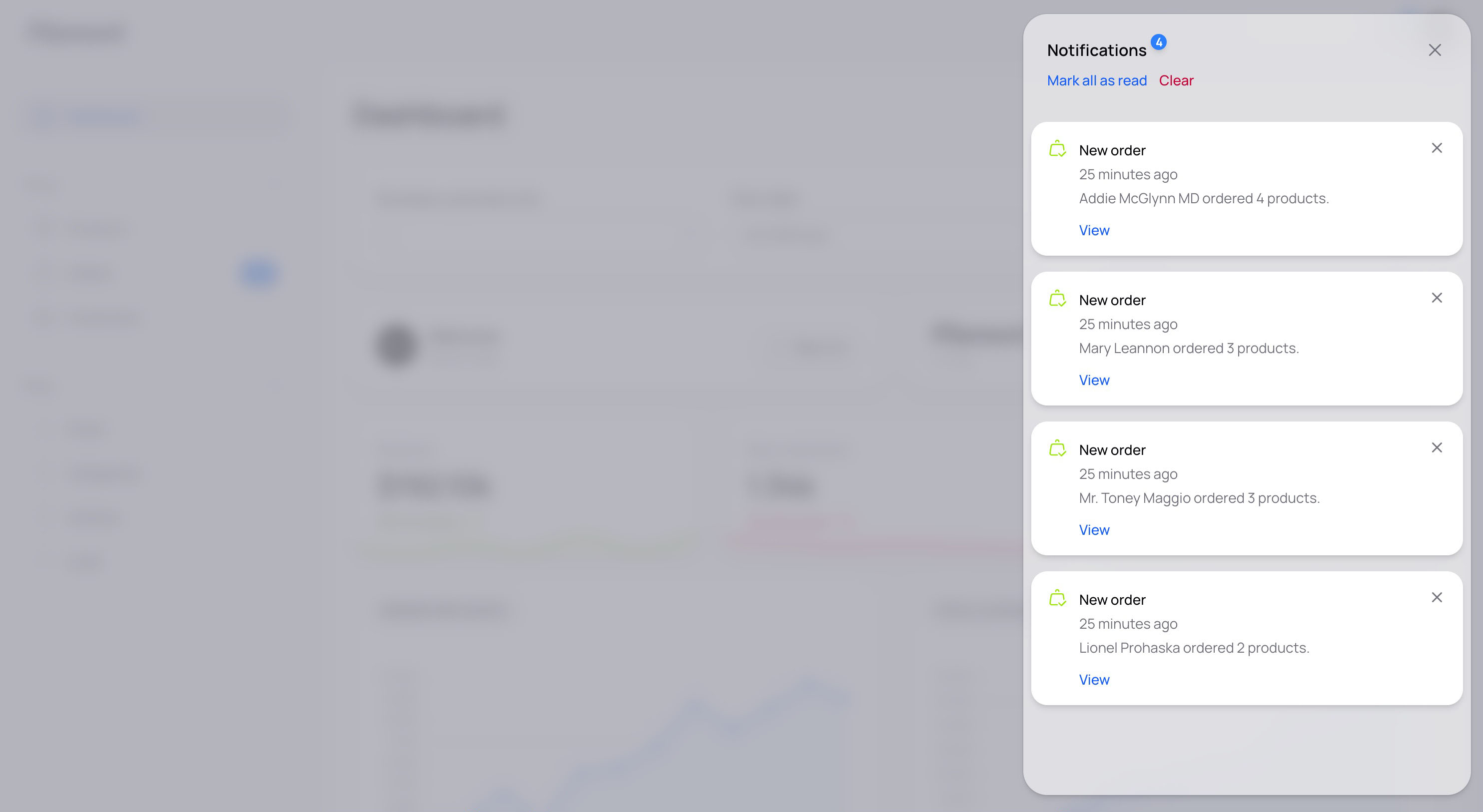
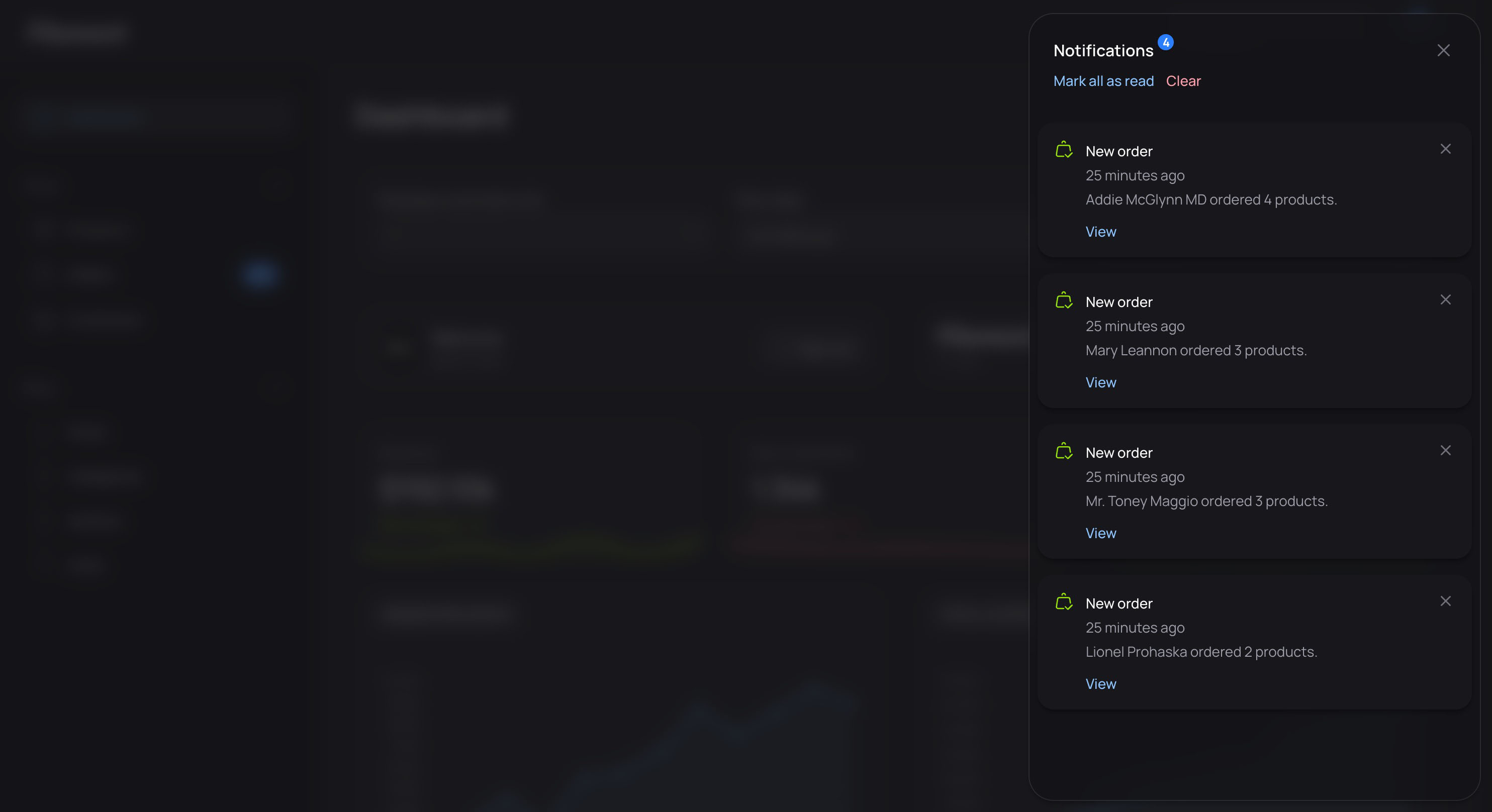
Database Notifications
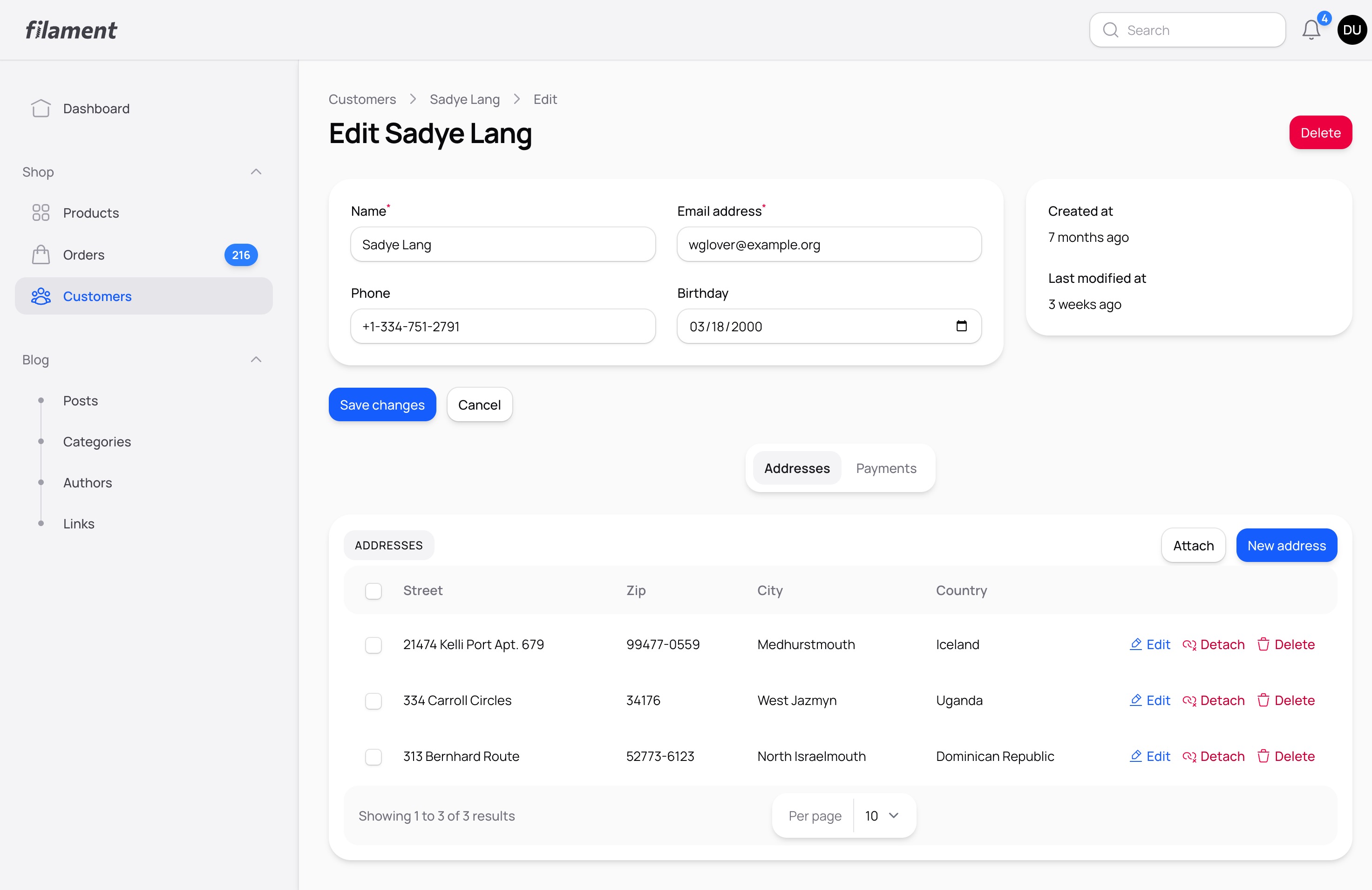
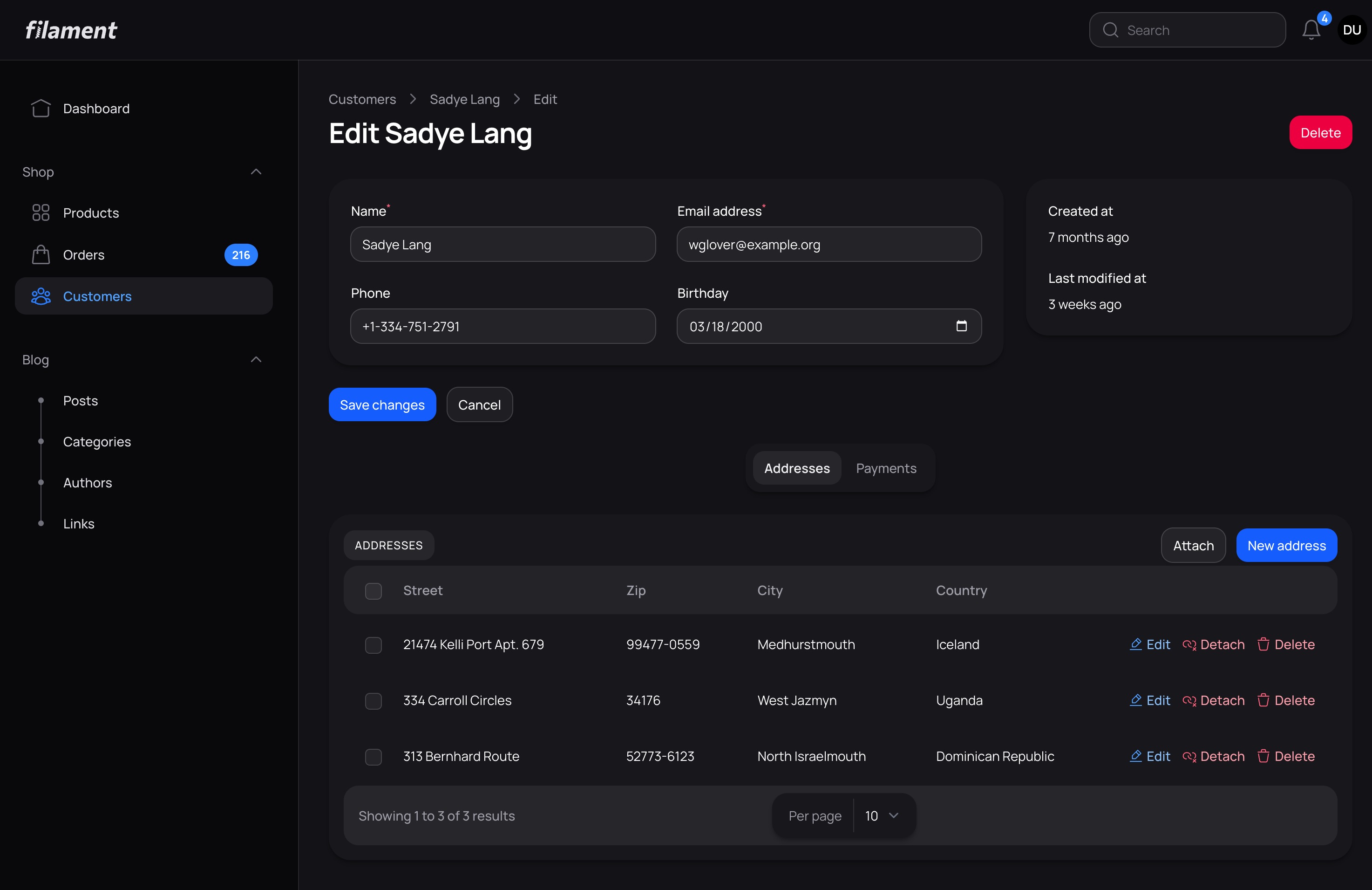
Edit Customer
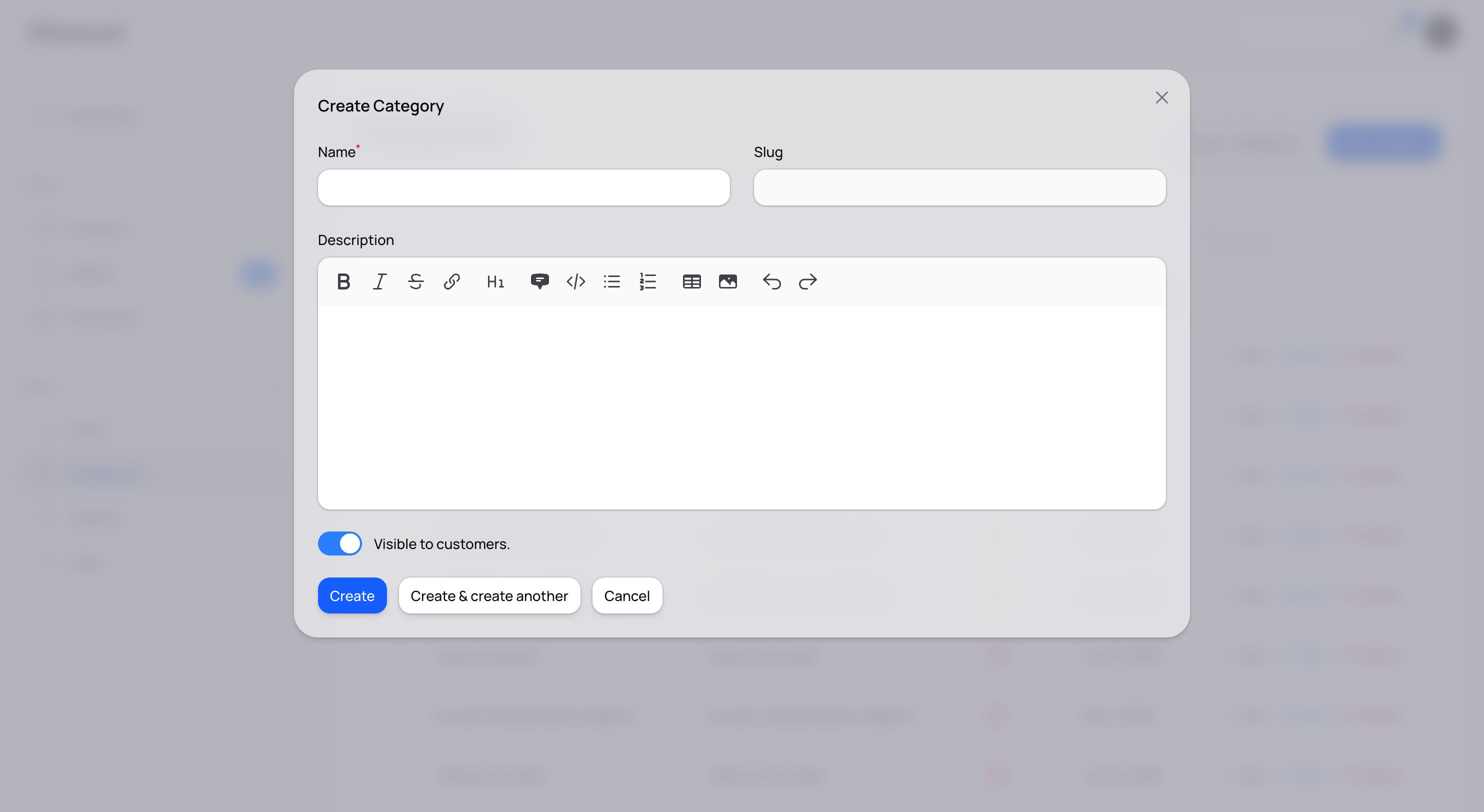
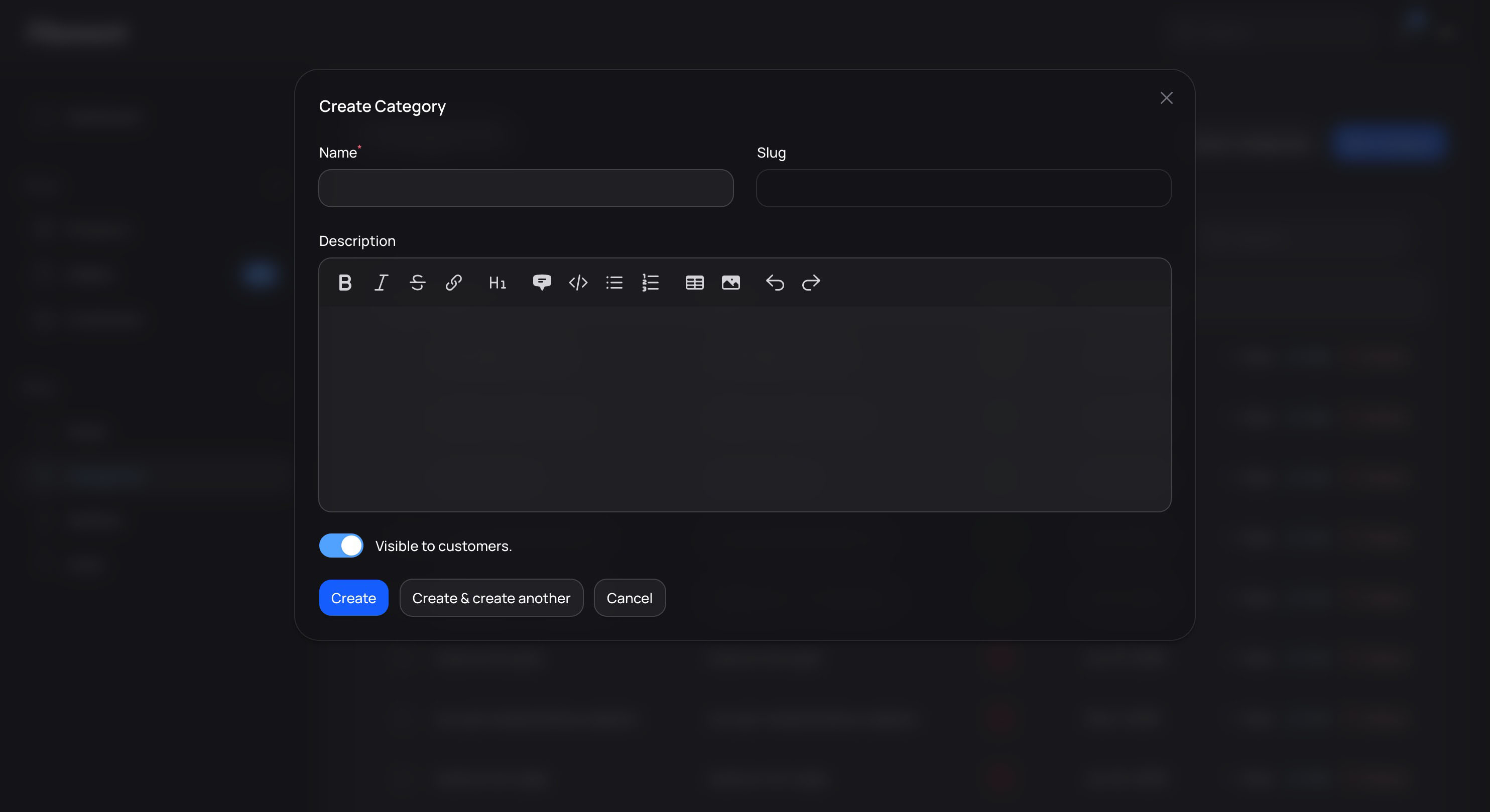
Create Category Modal
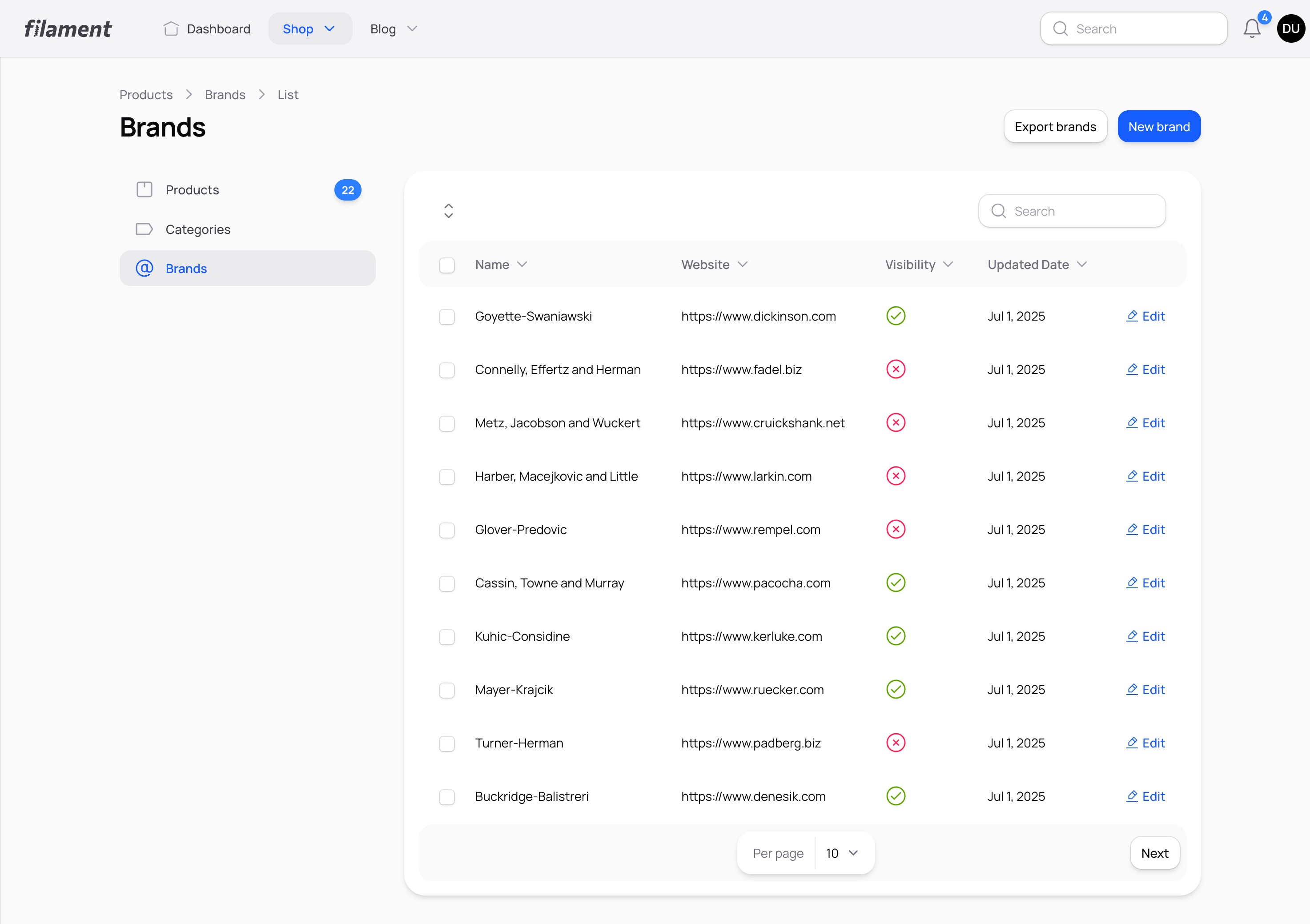
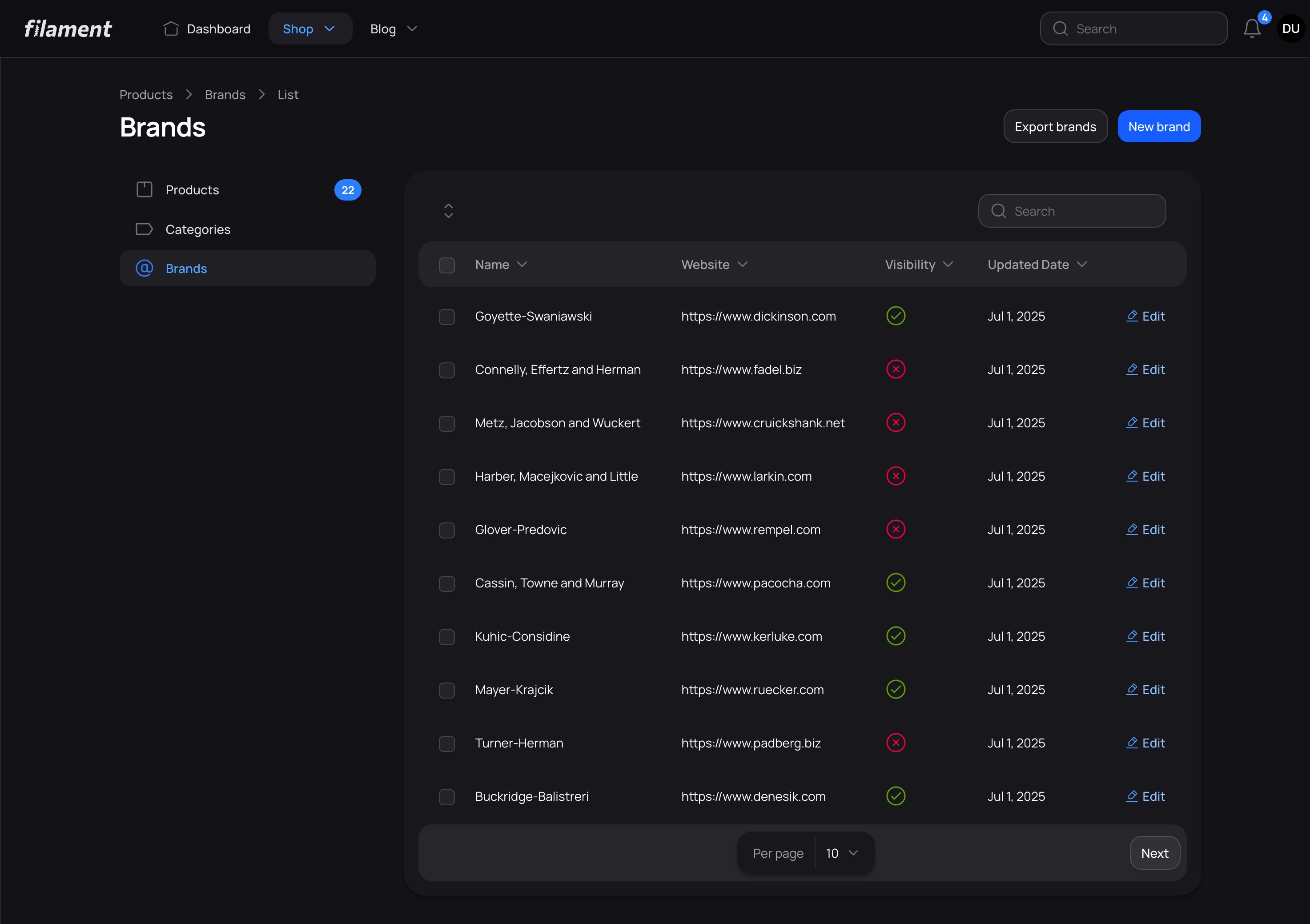
Brands List with Top Navigation
License
This is a commercial product. Your license grants you the right to use this theme according to the terms of your purchase through Anystack.sh.
Standard
- Single site license
- 1 year of updates
- Lifetime access
Unlimited
- Unlimited sites
- Lifetime updates
- Lifetime access
Have questions about Prizm? Get help in our Discord community.
On Filament v5? Our Filament v5 custom theme guide walks through the setup step by step.
More Filament themes
- Citrus theme from USD 39.00 A crisp, framed theme for Filament with glass shells, mono labels and card-row tables. Filament v4 & v5
- Cypher theme from USD 29.00 A technical, angular theme designed for Filament v4 and v5 Filament v4 & v5
- Brisk theme Free A FREE theme that combines simplicity with a friendly, welcoming aesthetic Filament v4 & v5
- Lucent theme from USD 29.00 A modern, clean, and minimalistic theme for Filament PHP. Filament v3, v4 & v5